Most infinite canvas apps handle editing the same way. You click on a block and you type directly inside it. The block is the editor. They're the same thing. It's simple, it's obvious, and it creates a problem that nobody talks about.
Your writing is glued to your content.
The block sits somewhere on the canvas — maybe the top left, maybe buried deep in a cluster of other notes. When you're editing it, that's where you are. The editor doesn't move. The editor is the block. If the block is inconveniently placed, so is your editing experience. If you want to reference something on the other side of the canvas while writing, you're zooming and panning with an active edit cursor somewhere behind you, hoping nothing goes wrong.
Nobody designed it that way to be difficult. It's just what inline editing gets you on an infinite canvas. The simplest solution has a cost that only shows up once the canvas gets large enough to matter.
The editor and the block are different things
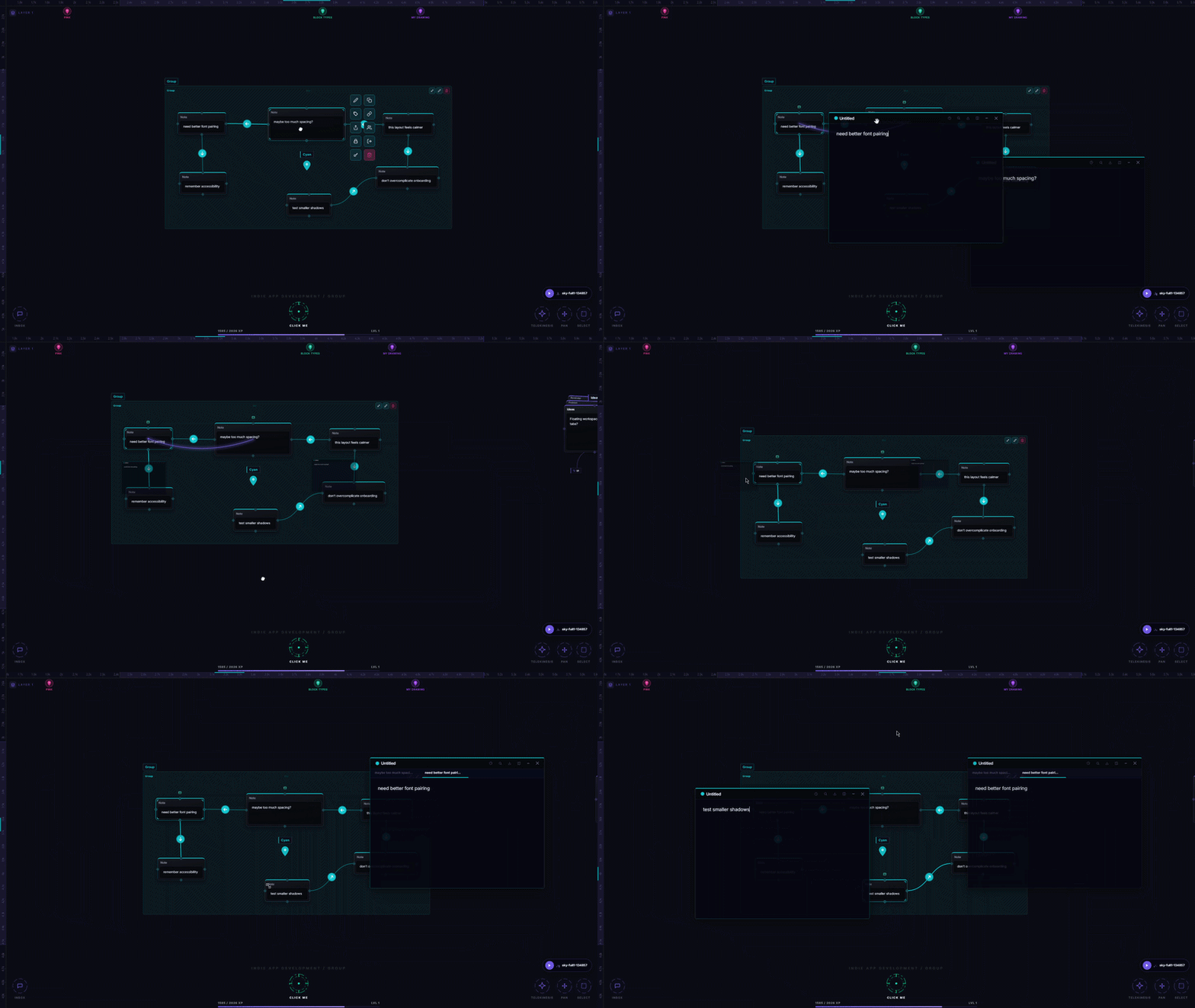
In Aviquill, clicking a block opens a separate floating editor panel. The block stays exactly where it is on the canvas. The editor opens in the viewport — draggable, repositionable, fixed to the screen rather than to any point in canvas space. Pan anywhere, zoom out completely — the editor stays put.
Move it to wherever your eyes want to be. Position it in the center of the screen while the block it's connected to is somewhere far off to the right. Keep writing while you navigate.
The block is where the content lives. The editor is where you work on it. Those don't have to be the same place.
This also means you can have multiple editors open at once, each connected to a different block, each positioned wherever makes sense for how you're currently thinking. Write two things in parallel. Cross-reference notes side by side. Keep a running thought open while you go explore something else.
But floating editors come with their own thing to solve.
Sometimes you need the canvas back
A floating editor sitting in the viewport is great when you're writing. It's in the way when you're not.
Say you've been writing and you want to zoom out to get a sense of where things sit relative to each other. Or you need to rearrange a cluster of blocks. Or you just want to look at the canvas without anything overlapping it. The editor is right there. You're not done with it — you just need it to not be in your face for a moment.
Dragging it to some random corner felt like busywork. I wanted something that said "move aside" without saying "go away."
Docking to the edge
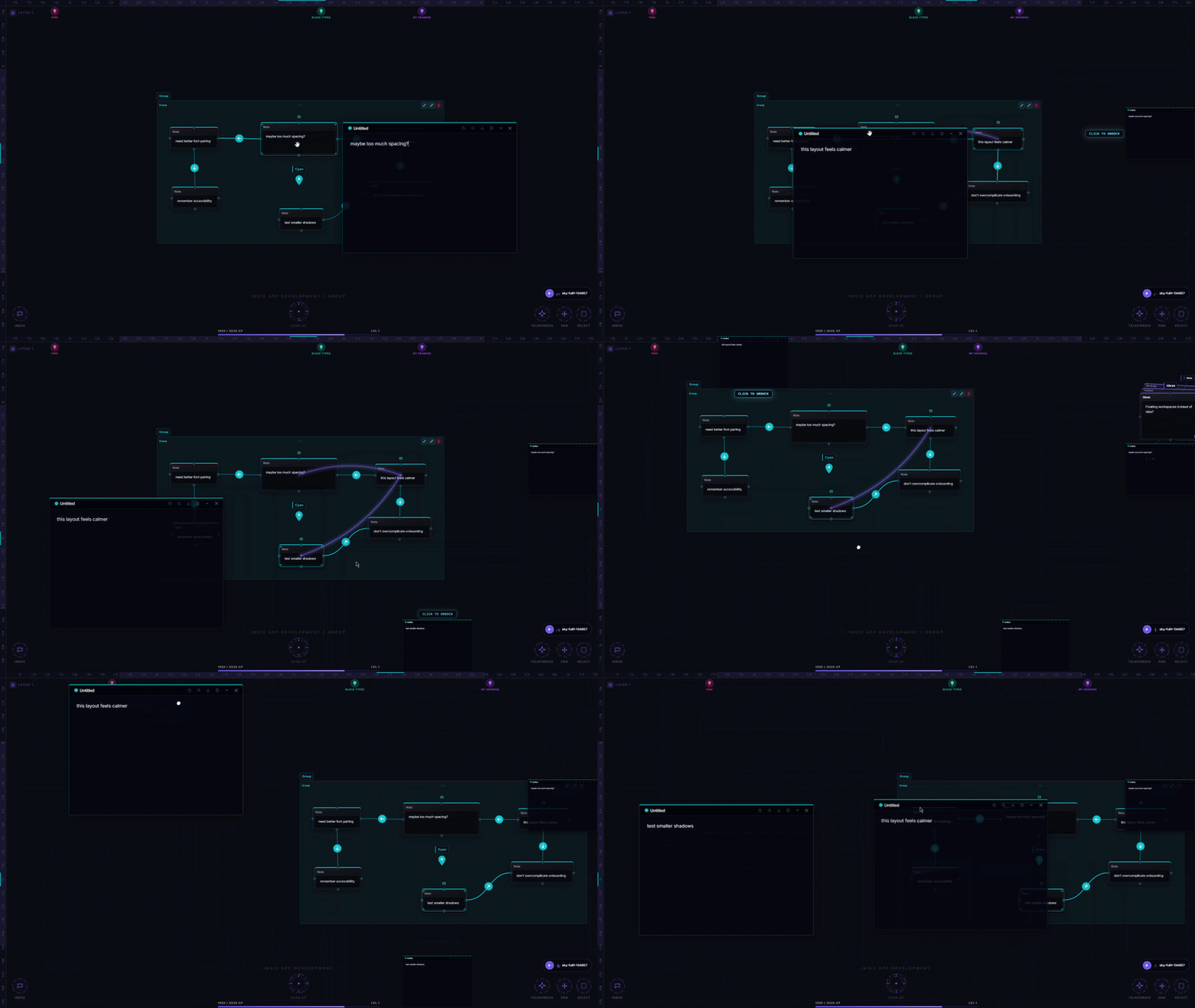
Drag an editor toward the edge of the viewport and it docks there — left, right, or bottom. Snaps to the side, stays open, but no longer sitting in the middle of everything. You can still read it, still reference it, while having the full canvas in view.
I use this constantly. Write something, dock it to the right, look around, undock and carry on.
Pinning — when even docked is too much
Docking works for most cases. But sometimes you want the editor completely out of your peripheral vision without closing it. Closing always felt like a small commitment — like saying "I'm done here" even when you're not.
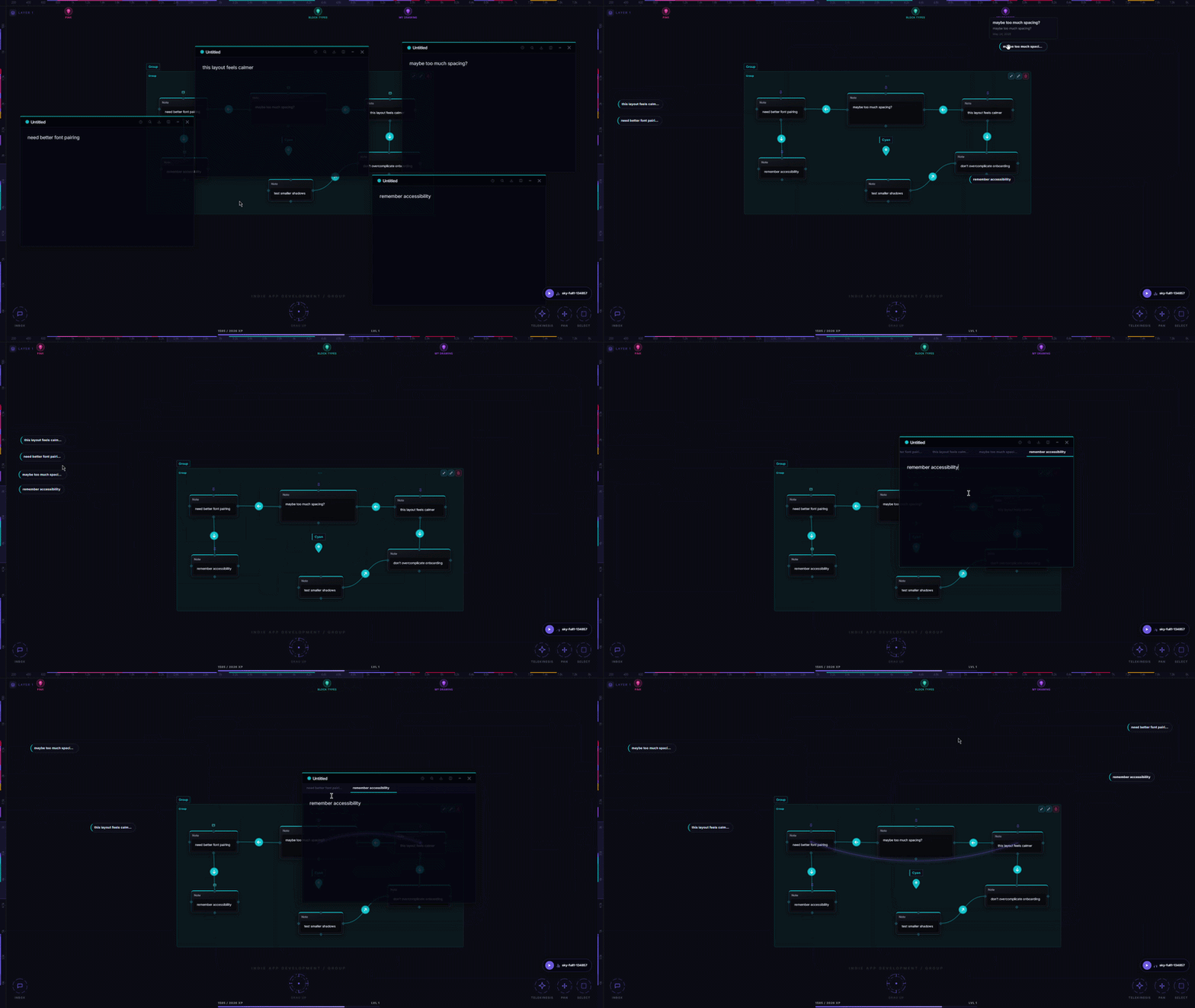
Pinning collapses the editor down to a pill — just the note's title — sitting in the viewport wherever you left it. One click and it's fully open again. Like docking and floating, the pill is fixed to the screen, so it's never lost somewhere deep in the canvas.
Writing isn't a mode
Most apps ask you to either be writing or be navigating. You're in the editor or you're not. Aviquill doesn't make that distinction.
Notes stop feeling like documents you open and close. They start feeling like surfaces you return to.