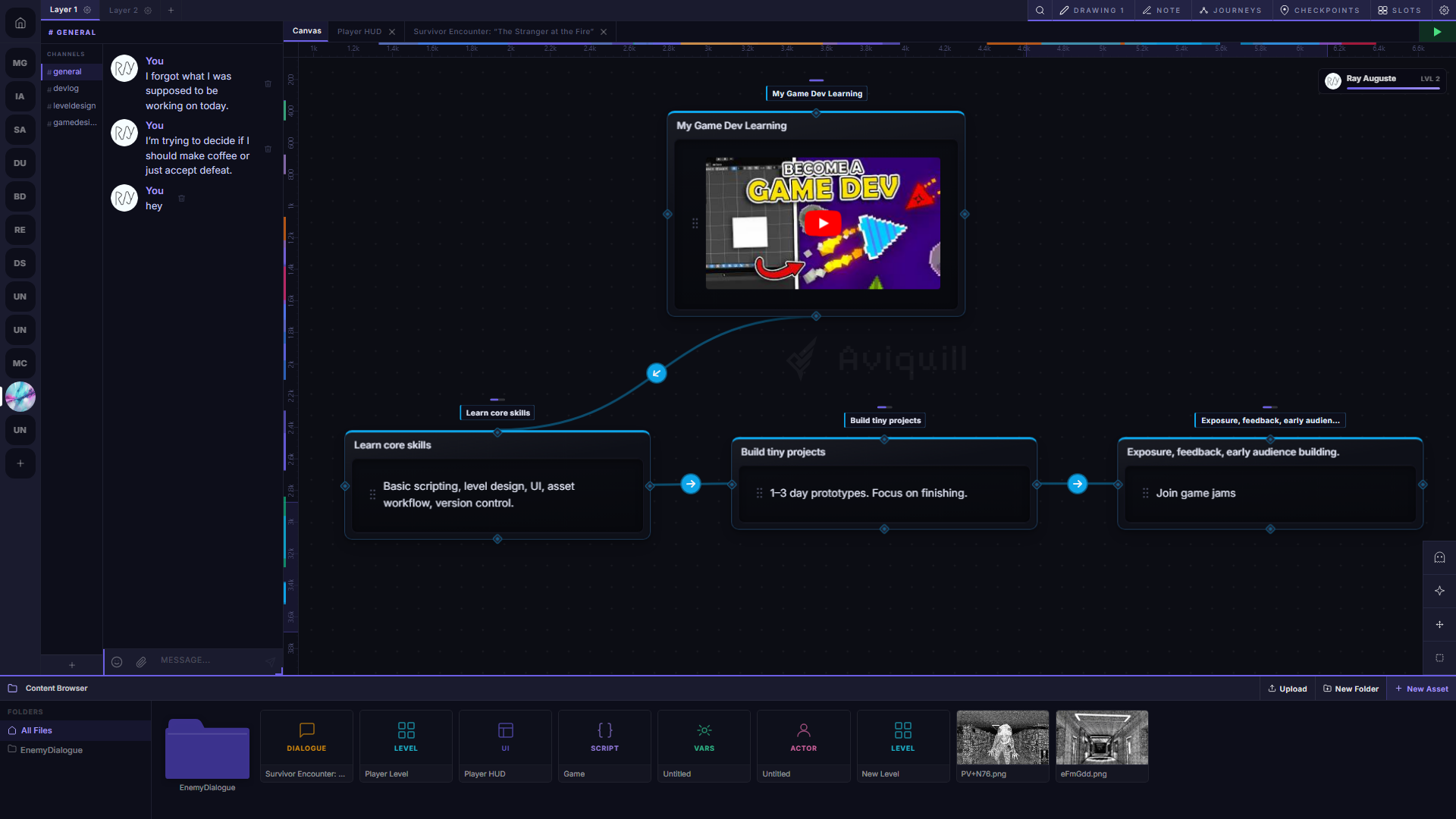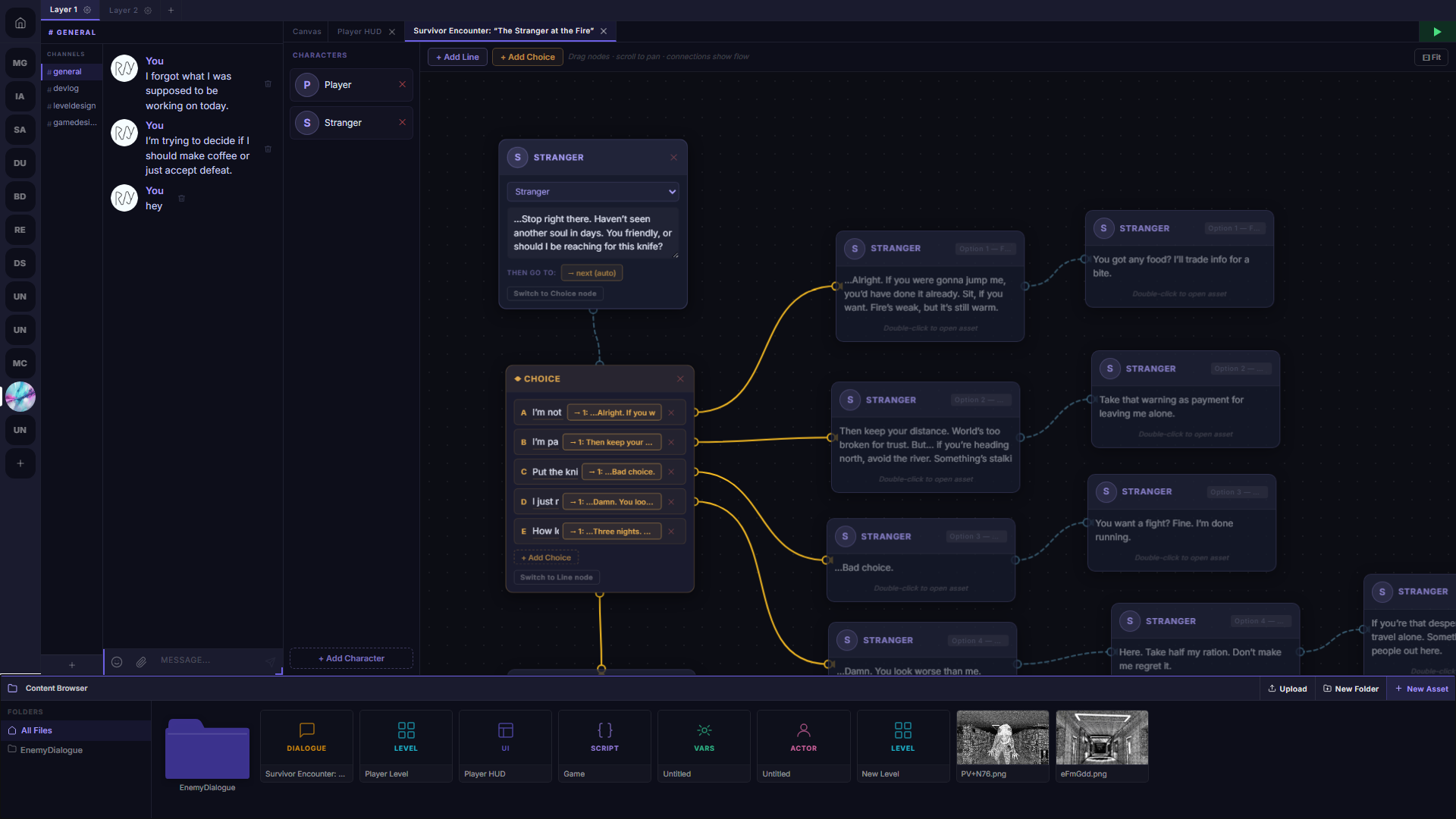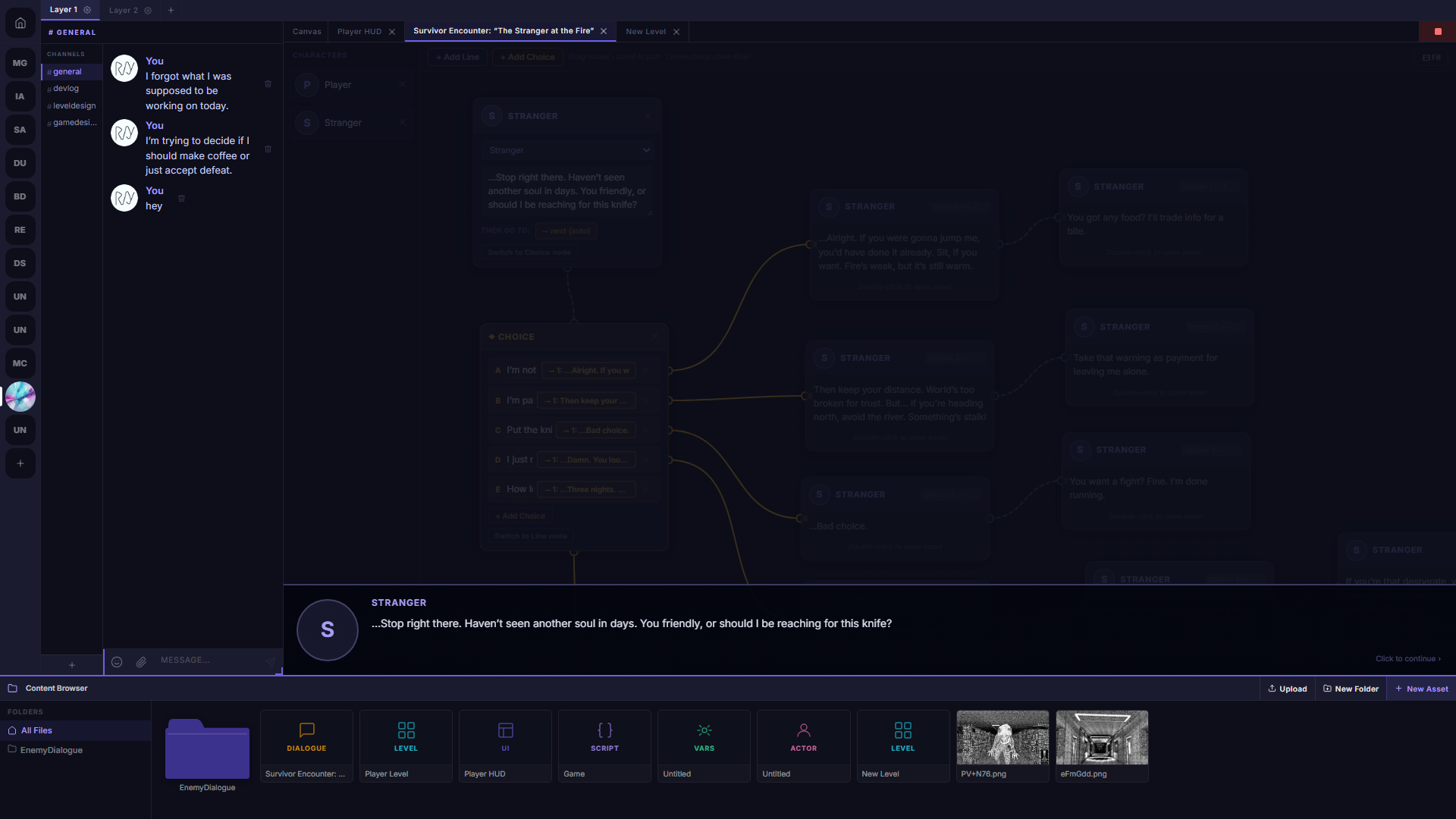

An infinite canvas where notes, tasks, drawings, and more live together — spatially, freely, in one place.
Aviquill is a hybrid linear and spatial app where your writing editor and search tools follow you. Drop thoughts anywhere, get messy, and locate any note instantly without ever having to manually clean up your canvas.
No card required. Opens in your browser in 2 seconds.Pick whichever tab sounds most like your current workflow — then see exactly how Aviquill handles it.
The editor floats on top of your canvas — not inside it. Dock it to any edge, collapse it to a labeled pill, or open several at once.
Writing never forces you into a separate mode. Your spatial layout stays visible underneath while you type, so the moment you close the editor your context is exactly where you left it. Compare two notes side by side without losing your place on the canvas.
Type a word — your canvas lights up like a star map. Matches glow, everything else fades. Click and teleport there.
Constellation Search maps every block on your canvas and responds to what you type in real time. No folders to dig through, no tags required, no need for a perfect filing system up front. The messier your canvas, the more this pays off.
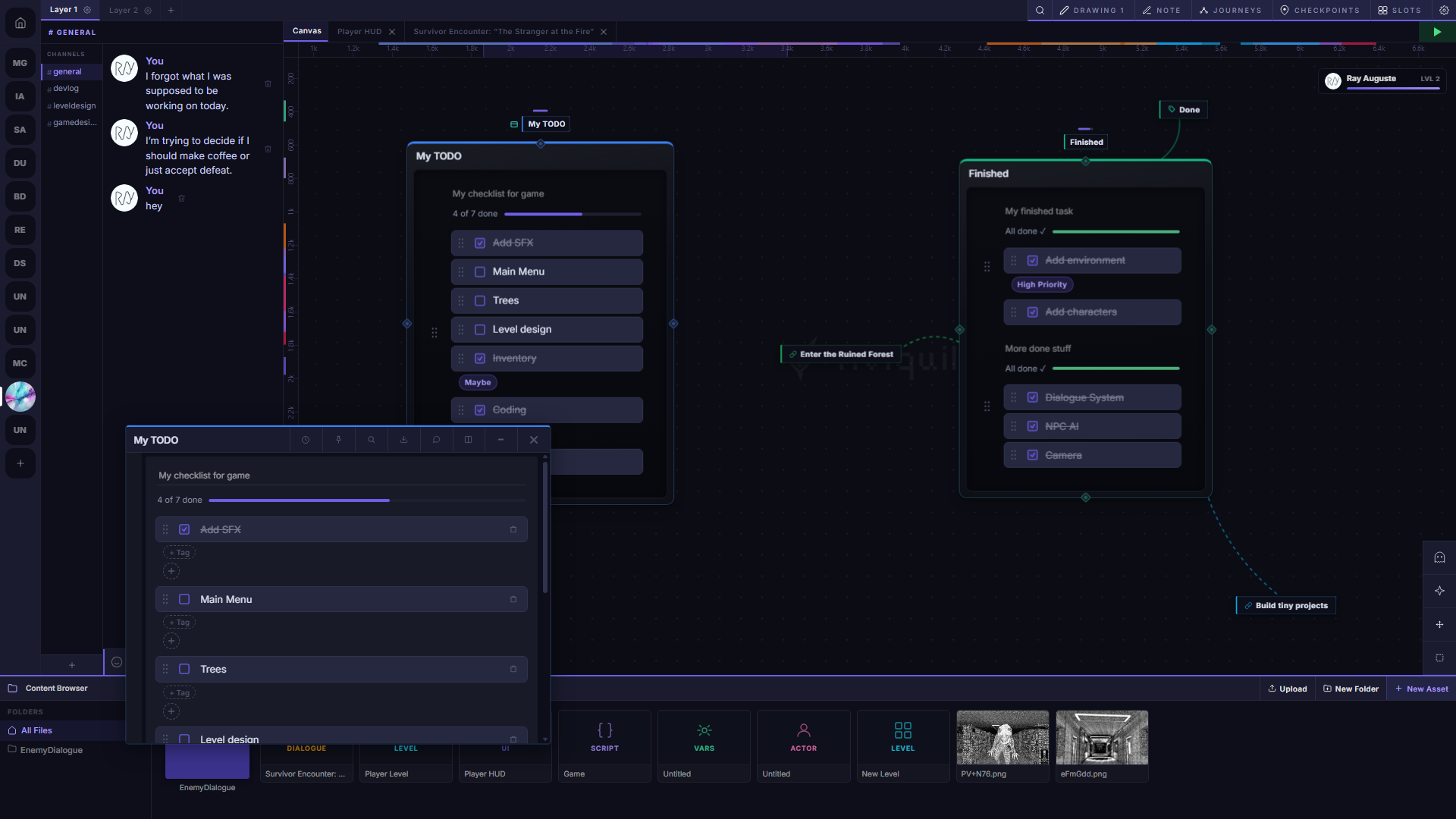
Text, tasks, images, drawings, charts, voice memos — all on the same canvas. No app switching. No copy-pasting between tools. Every block type your project needs, already here.


Invite people by email and think together in real time — set edit or view access per person, live cursors, and chat channels built right into each space.
Live cursors show exactly where your team is at any moment, so you stop stepping on each other's work. Built-in chat channels keep conversations organized by project — no separate Slack thread, no context lost.
Define scope, timeline, and deliverables for the Q3 launch.
Blog post + push notification go live same day.
No folders, no pages, no forced order. An open map where blocks go where you put them — and Constellation Search means the mess never buries your ideas.
Place related ideas near each other and their relationship becomes visible at a glance — no linking, no tagging required. When the canvas grows, search handles retrieval. You organize spatially instead of hierarchically, the way your brain actually works.
Connect any two blocks with a line. Rearrange — arrows follow. Build argument maps and dependency trees without leaving your notes.
A connection makes a relationship explicit — not just implied by proximity. Label the arrow to name what the relationship actually is: "leads to," "contradicts," "depends on." Rearrange your layout and every connection updates automatically, so you never have to manually clean up a diagram again.
Tag a block, filter the canvas instantly. Pin your favourite spots. Cross-link between blocks and jump directly — no folders, no filing system.
Tags aren't a filing system — they're a lens. Apply one and every unrelated block fades out, leaving only what you tagged. When you're done focusing, one click brings everything back. Pin your most-used areas so you can return to them instantly from anywhere on the canvas.
Stack related blocks into a collapsible pile. Group blocks to move them as one unit. Tidy without losing a single note.
A stack takes as many blocks as you want and collapses them to the footprint of one — flip through them like cards when you need them, invisible when you don't. Groups let you move an entire cluster of related work across the canvas as a single unit, so reorganizing never means rebuilding.
Background effects you can turn on — or leave it clean. Rain, aurora, drift, and more. A canvas you actually want to spend time in is a canvas you'll use.
Every block keeps a full timeline of its own edits. Browse past versions and restore any one of them — nothing you've written is ever permanently gone.
Version history is per block — so you can roll back a specific note without touching anything else on your canvas. Every edit is tracked automatically, no manual saves required. Open the timeline, see exactly what changed, and restore in one click.
Everything on one canvas
No card required to start. Add payment when you're ready.
Stop patching your workflow across five apps. Aviquill gives every note, task, sketch, and idea one home — spatial, instantly searchable, always right where you left it.
This isn't just a support server. It's where many of Aviquill's ideas begin. Members share workflows, suggest features, report issues, and help guide what gets built next. If you've ever wanted to influence the tools you use every day, this is your chance to help shape Aviquill's future.
Open the app. Drop your first block. It gets easier from there.
Try the Demo (Free & Fast)